In today’s world, where almost every part of our daily life depends on electronic devices, taking care of their lifespan has become more important than ever. A recent report from the International Energy Agency (IEA) points out that the demand for batteries in consumer gadgets is expected to rise a lot, which just emphasizes how crucial it is to keep these batteries in good shape. Shenzhen Hongda New Energy Co., Ltd. has been leading the charge in this industry, growing rapidly and serving over a thousand customers all around the world. To help folks get the most out of their devices and keep batteries healthy, we’ve put together the Ultimate Battery Health Checker Guide. Think of it as your go-to resource—packed with simple tips and useful tools to monitor and boost your battery’s performance. When you look after your battery well, not only does your device last longer, but you’re also helping move us toward a more sustainable future. So, yeah, a bit of TLC for your batteries goes a long way!”
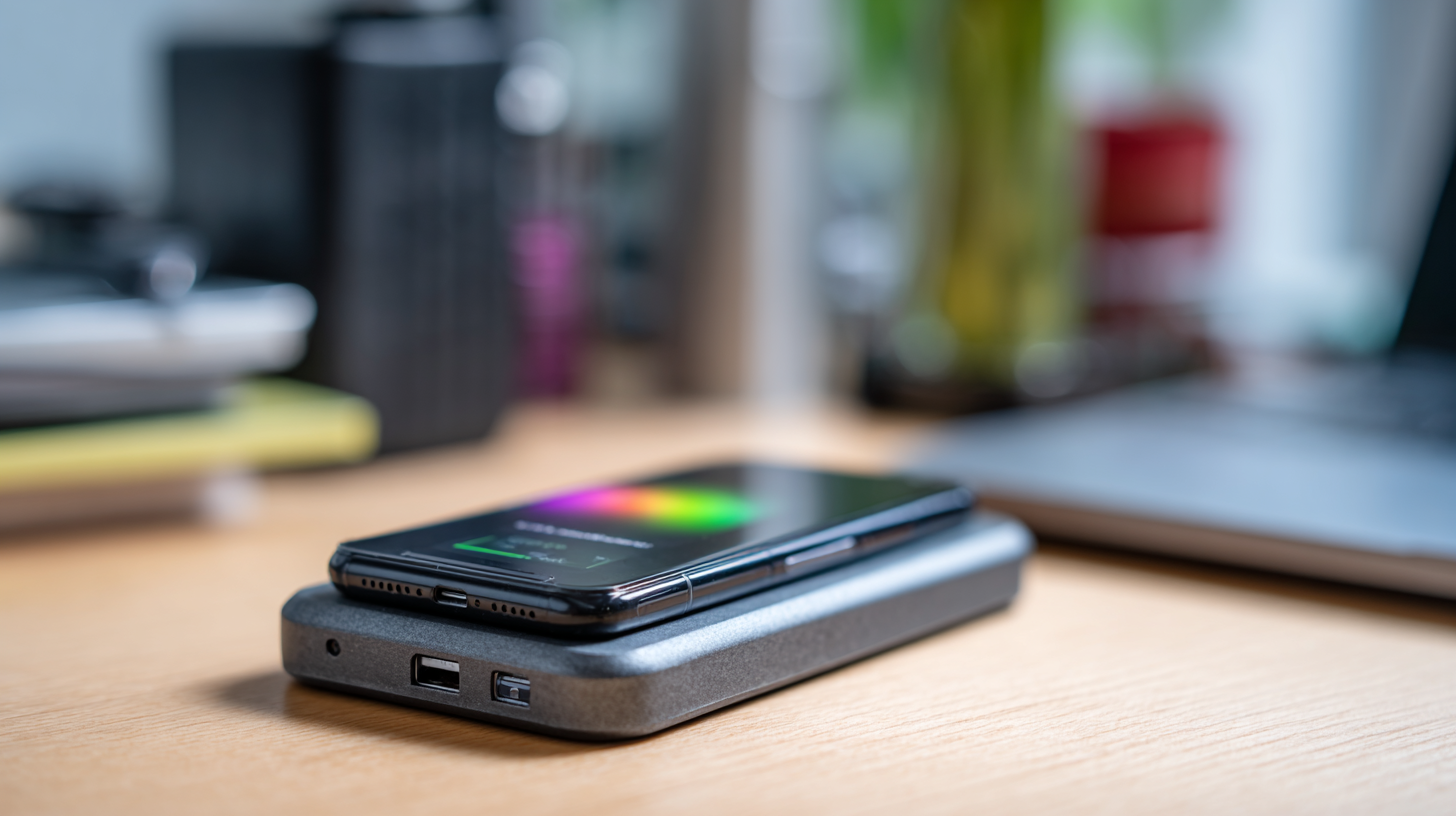
Understanding Battery Health: Key Metrics That Matter
Getting a good handle on your battery’s health is pretty important if you want your devices to last as long as possible. Things like cycle count, how many times you’ve charged it, and how much capacity it’s retaining—these are the key indicators to watch. For example, most rechargeable batteries in pretty much any device are designed to keep about 80% of their original capacity after roughly 1,000 full charge cycles. Keep an eye on these numbers, and you’ll get a pretty good idea of when it might be time to think about replacing the battery or doing some maintenance.
Thanks to recent tech breakthroughs, checking your battery’s health is getting a whole lot easier, and you can even boost performance with new tools. Things like machine learning and IoT sensors are now being used to monitor electric vehicle batteries—these can predict capacity loss and safety issues pretty accurately. They give early warnings before things go really wrong, helping to keep performance steady and avoiding nasty surprises like sudden failures. Knowing how to read these metrics and monitoring your battery can really put you in the driver's seat. It’s all about staying proactive and making sure your devices keep running smoothly for longer.
Battery Health Metrics Overview
This chart illustrates the battery health metrics of various devices over a six-month period. The key metrics displayed include battery capacity, charge cycles, and temperature, which are crucial for understanding the overall health and performance of your device's battery.
Top 5 Best Battery Health Checker Apps for All Devices
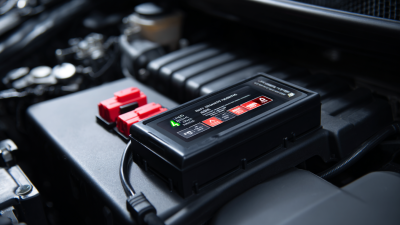
When it comes to keeping your devices running smoothly for longer, using a good battery health checker is pretty much a must. Recent studies suggest that if you keep an eye on your battery's health, you could actually extend the life of your smartphone or tablet by up to 30%. Crazy, right? It just shows how important it is to regularly check how your battery is doing. One of the easiest ways to do this is by using dedicated apps that tell you everything about your battery—like its current condition, how many charge cycles it’s gone through, and its overall performance.
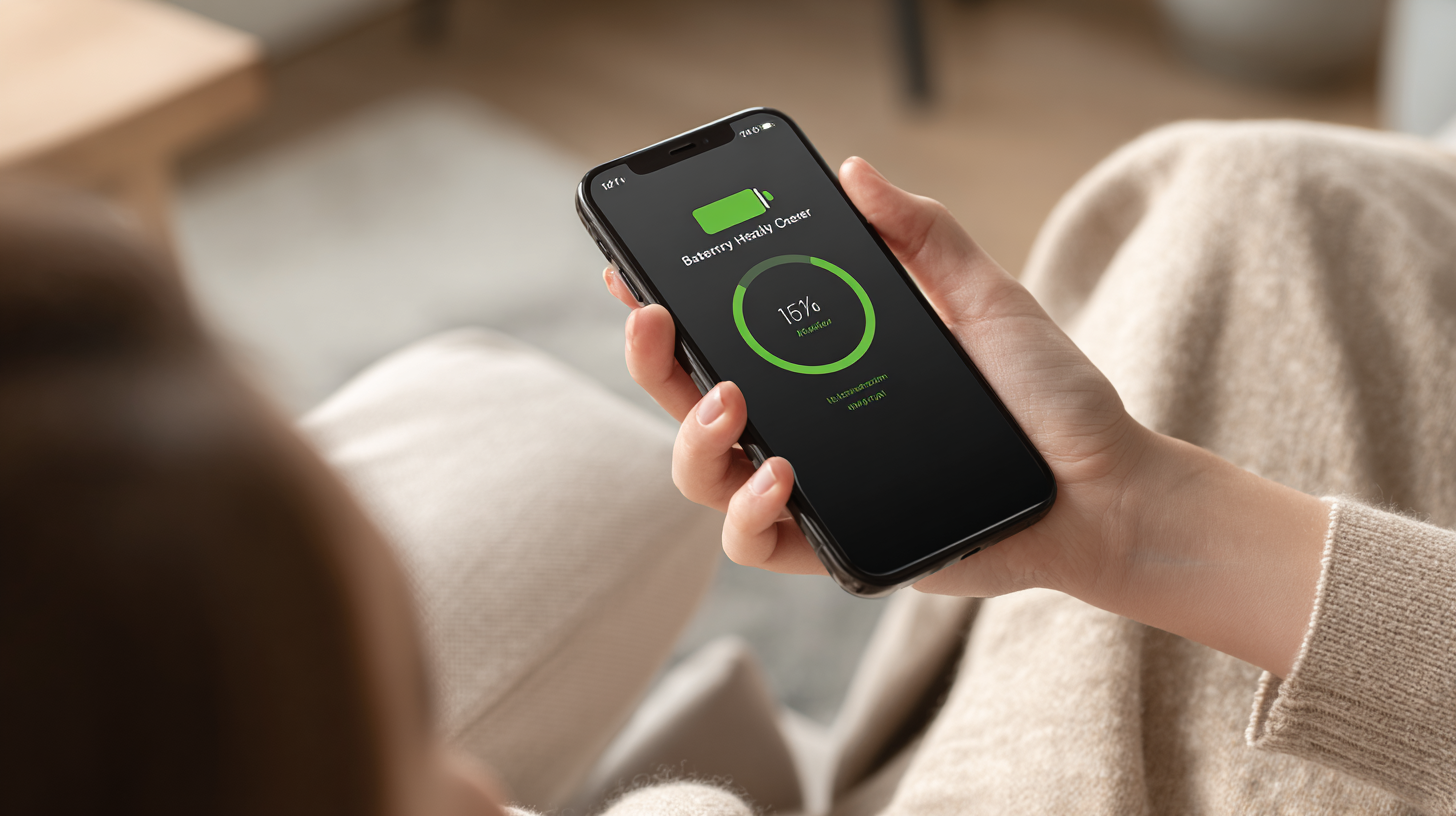
So, if you're looking for some solid options, here are the top five battery health checker apps that work across different devices. First up, AccuBattery really shines with its detailed analysis, giving you real-time updates on how your battery’s wear and tear is progressing. For Apple fans, CoconutBattery is awesome—simple, straightforward, and it shows your current battery capacity compared to the original. If you’re on Android, Battery Guru is a great pick, offering in-depth info along with tips to optimize your battery life. Other good ones to check out are GSam Battery Monitor and Battery HD—they’re user-friendly and packed with features to help you keep tabs on your battery. Using these apps, you’ll be able to make smarter choices about charging and caring for your devices, helping them last longer in the long run.
How to Analyze Battery Health Reports Like a Pro
Understanding how healthy your batteries are is becoming more and more important, especially as we rely so much on electronic gadgets and electric cars. Did you hear about that report called the '2025 Energy Storage System Health and Performance Report'? It was put out by an independent battery analysis firm, and get this—almost 20% of energy storage projects around the world are actually running with batteries that aren’t in the best shape. That really stresses how crucial it is to check on your batteries regularly if you want them to work well and last longer.
If you want to get a pretty good idea of your battery’s condition, start by understanding some key terms like capacity retention, cycle count, and internal resistance. These numbers tell you a lot about how your battery is doing. And here’s an interesting tidbit— the global alkaline battery market is forecasted to grow from about $7.92 billion in 2025 to over $10 billion by 2032, with an annual growth rate of around 3.66%. That growth kind of goes hand-in-hand with new tech for monitoring batteries, so it's definitely worth keeping up with these innovations whether you're a regular user or running a business.
A couple of quick tips: make sure to keep your device’s firmware up to date; it can really help improve your battery life. And if you’re thinking about buying a used electric vehicle, don’t forget to ask for a detailed battery health report—you want to know what you’re getting into. Finally, it’s a good idea to use specialized services that check on your battery’s health professionally—you’ll get more reliable insights that way.
DIY Tips to Enhance and Maintain Your Device's Battery Life
Taking care of your device’s battery is really important if you want it to last longer and perform well. Did you know that, back in 2022, the Consumer Technology Association reported that a whopping 60% of smartphone users start noticing their battery isn’t quite the same after just a year? It’s pretty common, but the good news is, there are some DIY tips you can try out to help keep your battery healthy and working smoothly.
One easy tip? Try to keep your device away from really hot or cold temperatures. A study in the Journal of Power Sources pointed out that batteries stored above 25°C (77°F) tend to wear out about 20% quicker. Also, giving your battery a full charge and discharge every now and then—kind of like calibration—can actually help keep it running efficiently. And if you’re okay with tweaking some settings, dimming your screen and disabling background apps can save a surprising amount of battery life and slow down the wear and tear.
For those a little more tech-savvy, there are battery management apps out there that provide real-time info on your device’s battery health. These can be super handy for catching potential issues early and avoiding things like overcharging or letting the battery drain all the way down to zero. Experts from Battery University recommend keeping your charge between 20% and 80% whenever possible—that’s a pretty simple way to make your battery last longer. Just a few small changes can really add up, helping your device stay healthy and reliable for a longer time.
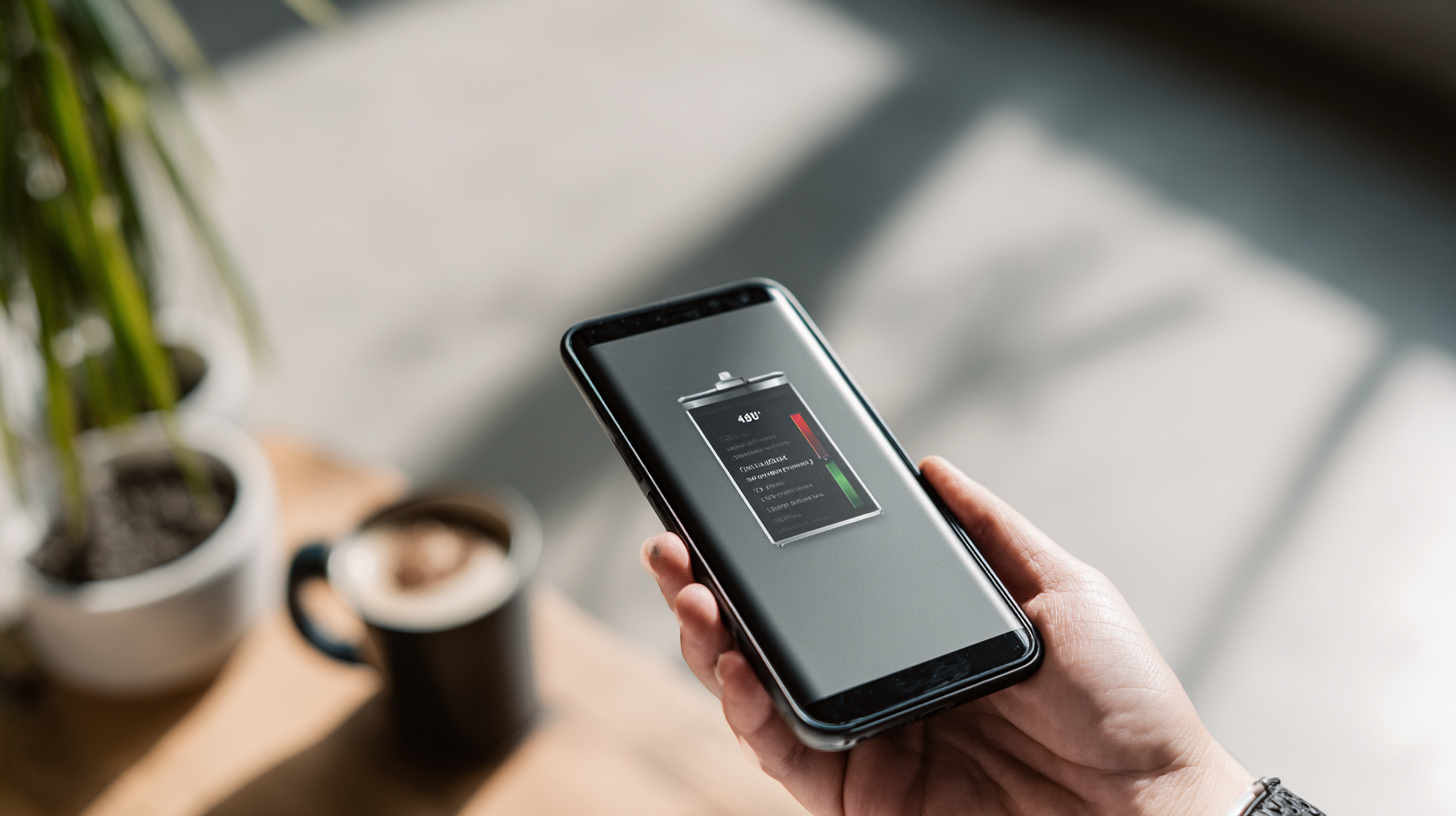
Common Battery Issues and How to Troubleshoot Them
If you want to keep your devices running smoothly for longer, it really helps to know the common battery problems out there. One of the biggest culprits is battery drain—that annoying thing where your phone just seems to gulp down power faster than you’d like. Things like cranking up the screen brightness, having a bunch of apps running in the background, or running outdated software can all make it worse. To fix this, try lowering your screen brightness, turning on battery saver modes, and taking a quick peek at which apps are really draining your battery. If you see some apps you don’t really use, it’s a good idea to uninstall or at least restrict their background activity—that can make a noticeable difference.
Another common issue is overheating, which isn’t just uncomfortable but can also mess with your battery’s health and lifespan. Usually, this happens when you’re multitasking like crazy, using heavy-duty apps, or if your device’s been chilling in a hot environment. To keep things cool, make sure your device has proper ventilation and give it breaks now and then if you’re doing something intense. If despite all this, your phone keeps warming up, it might be time to think about swapping out the battery or chatting with a tech pro—since a failing battery can even be a safety concern sometimes.
Maximize Your Device Lifespan with the Ultimate Battery Health Checker Guide - Common Battery Issues and How to Troubleshoot Them
| Issue | Symptoms | Troubleshooting Steps | Prevention Tips |
| Rapid Battery Drain | Phone discharges quickly without heavy usage. | Check for background apps consuming power, reduce screen brightness, and disable location services when not needed. | Keep software updated, avoid extreme temperatures, and consider limit resource-heavy apps. |
| Overheating | Device gets hot during charging or usage. | Remove case while charging, avoid direct sunlight, and close unnecessary applications. | Ensure proper ventilation and avoid heavy tasks while charging. |
| Inaccurate Battery Percentage | Battery percentage fluctuates drastically. | Calibrate the battery by draining it fully and then charging it to 100%. | Perform regular calibrations whenever necessary. |
| Charging Issues | Device does not charge or charges slowly. | Inspect charging port for debris, try a different cable or charger. | Avoid using third-party chargers and keep the charging port clean. |
Future-Proofing Your Device: Long-Term Battery Care Strategies
In today’s super fast-moving tech world, thinking long-term and being sustainable aren’t just buzzwords anymore—they’re pretty much essential across the board. Take the mining industry, for example; a lot of companies are jumping on the electrification bandwagon by investing in battery storage systems. Not only does this step help improve how smoothly operations run, but it also cuts down emissions, which is a big deal these days. Industry reports are showing that switching to battery-electric equipment isn’t just good for the environment—it also helps cut maintenance costs and makes it easier to meet stricter regulations, making the whole transition to greener tech a bit less painful.
When it comes to our phones, brands are really stepping up their game too. More and more, they’re promising long-term software updates and better strategies to keep batteries healthy. Some flagship models now come with guaranteed updates for several years—something that’s honestly shaking up the smartphone world and raising the bar for longevity. Keeping your device’s software up-to-date isn’t just about new features; it actually helps improve battery life and overall performance. So, if you’re looking to choose a brand for the long haul, it’s probably worth picking one that’s serious about supporting its devices over the years. As more industries embrace green practices, focusing on battery health and device durability is becoming super important for reducing e-waste and making our gadgets last longer.
Comprehensive Guide to the 64-Channel Battery Charging and Discharging Test Integrated Battery Cabinet's Functions and Benefits
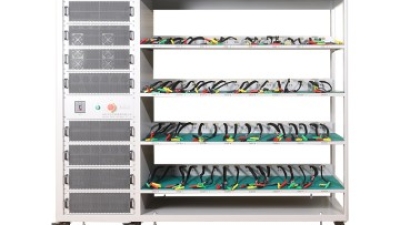
The 64-Channel Battery Charging and Discharging Test Integrated Battery Cabinet is a state-of-the-art solution designed for comprehensive energy testing. This advanced system operates under computer control, ensuring precise energy feedback during both charging and discharging processes. By integrating multiple channels, this testing cabinet can simultaneously evaluate the performance of various battery configurations, making it an invaluable tool for research facilities and industries focused on energy storage solutions.
This system's energy feedback capabilities are particularly noteworthy. It allows users to meticulously monitor and manage energy flow, optimizing the testing process for efficiency and accuracy. Users can conduct extensive analyses of battery behaviors under different conditions, fulfilling compliance with standard testing protocols. With its robust functionalities, this integrated battery cabinet not only enhances testing efficiency but also provides critical insights into battery performance, leading to better design and application of energy systems in the future.
FAQS
: Key metrics include cycle count, charge cycles, and capacity retention, which help determine the health of a battery. A typical rechargeable battery retains about 80% of its capacity after approximately 1000 full charge cycles.
Recent advancements such as machine learning and IoT sensors have improved the ability to diagnose battery health and predict performance issues, enabling early warnings about battery deterioration.
Regularly monitoring battery health can extend the lifespan of devices by up to 30%, making it essential for maintaining optimal performance.
Recommended apps include AccuBattery for detailed analysis, CoconutBattery for Apple users, Battery Guru for Android, and GSam Battery Monitor and Battery HD for intuitive tracking features.
Common causes of battery drain include high screen brightness, background applications, and outdated software.
Users can troubleshoot battery drain by adjusting screen brightness, enabling battery saver modes, and checking for energy-consuming apps to uninstall or limit their activity.
Overheating can occur from intensive multitasking, using resource-heavy applications, or exposing devices to high temperatures, which can negatively impact battery longevity.
To address overheating, ensure proper ventilation, take breaks during heavy usage, and consider battery replacement or professional consultation if overheating persists.
Battery replacement may be necessary if the battery continues to drain quickly or overheats despite following troubleshooting steps, as this could indicate a failing battery.
Battery health checker apps and settings adjustments (like enabling battery saver modes or lowering screen brightness) are useful tools for improving and maintaining battery performance.
Conclusion
If you're looking to get the most out of your devices and make their batteries last longer, understanding battery health is a total game-changer. Our guide on the 'Ultimate Battery Health Checker' breaks down the key metrics you really need to know and highlights the top five apps for checking your battery’s health — no matter what device you’ve got. We also walk you through reading and making sense of battery reports like a pro, so you can actually do something about it and keep your batteries in good shape.
Plus, we’ve got some handy DIY tips to help extend your battery life, troubleshoot those annoying battery issues, and tips for caring for your device over the long run. With how much we rely on our gadgets every day, companies like Shenzhen Hongda New Energy Co., Ltd. are really pushing innovation in energy solutions, helping thousands of users worldwide. By using the right tools and some simple best practices, you can really help your devices perform better and last longer — it’s all about the right know-how and a little effort!

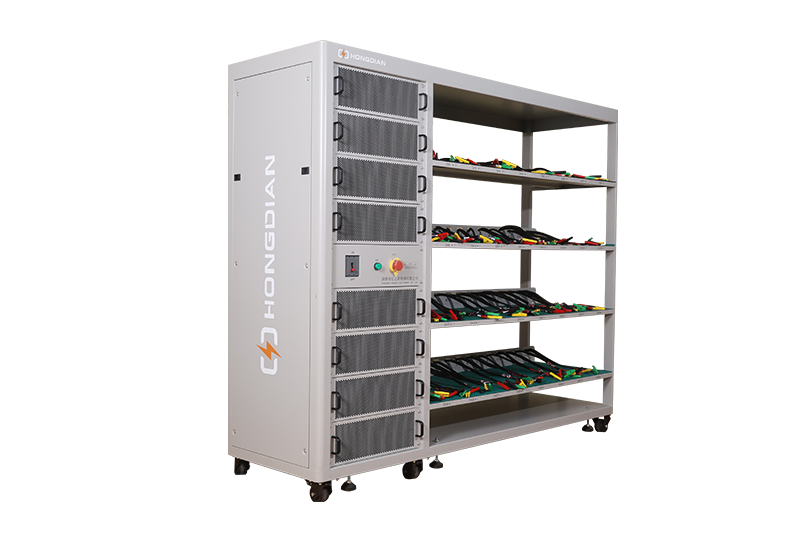 32/48 channel battery charging and discharging test integrated battery cabinet
 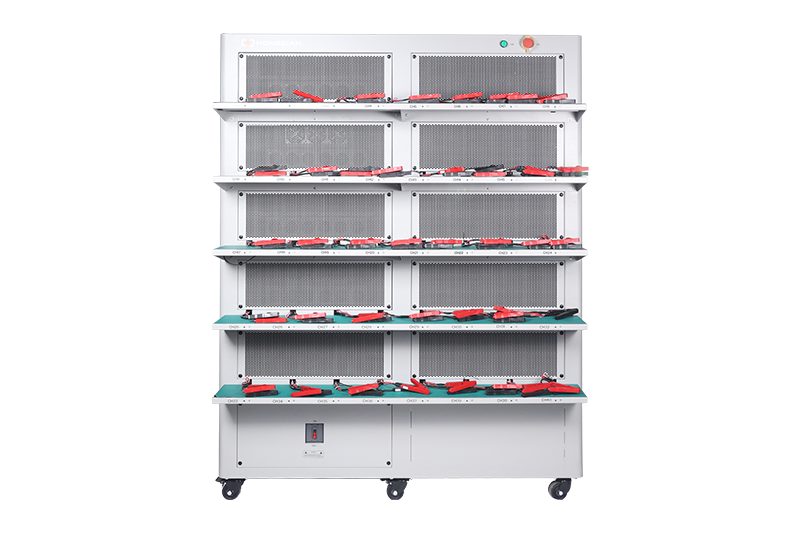 40 channel battery charging and discharging test integrated battery cabinet
  64 channel battery charging and discharging test integrated battery cabinet
 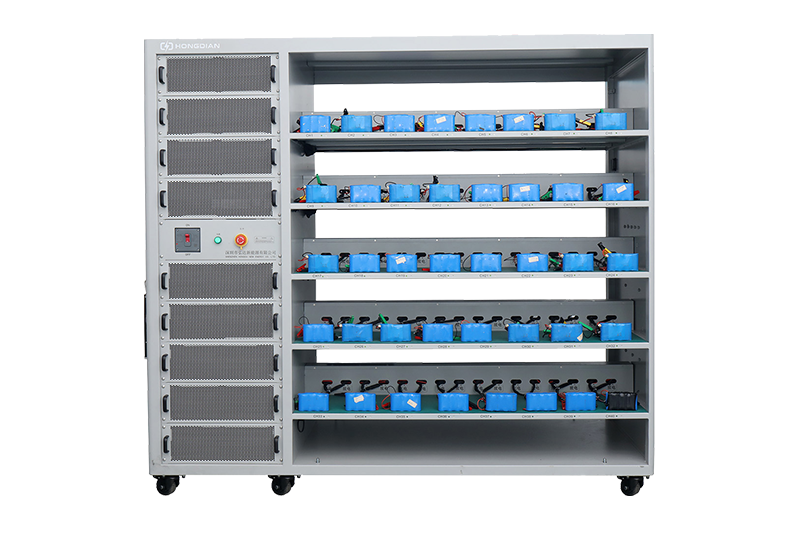 80 channel battery charging and discharging test integrated battery cabinet
 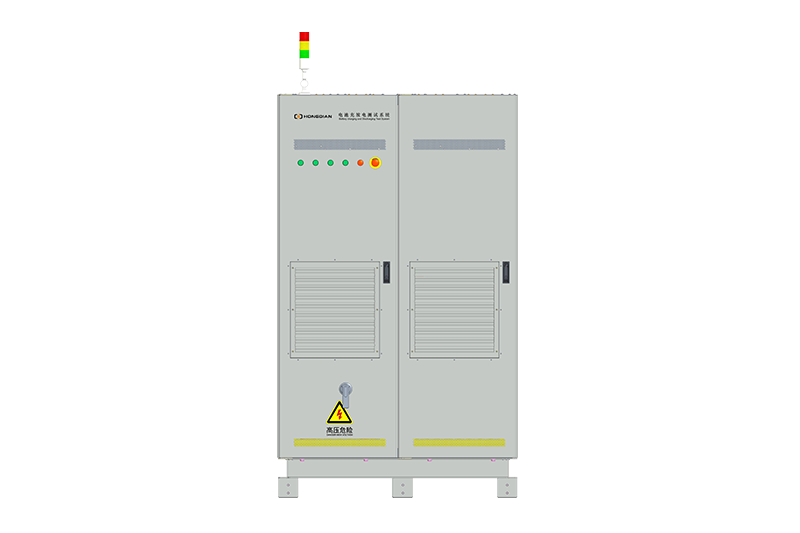 1000V-1500V High Voltage High Current Battery Testing System
  High-Precision Battery Testing System for Enhanced Performance Monitoring 30V/60V/100V/120V
 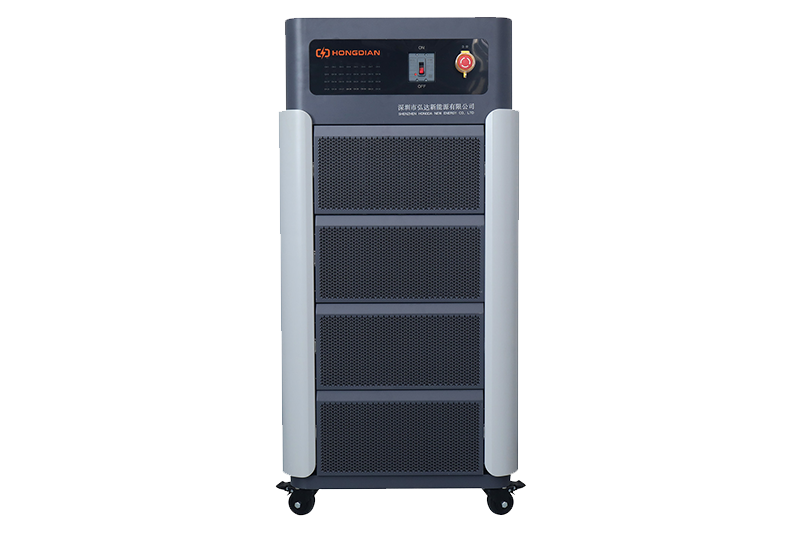 High-Precision Battery Charge Discharge Test Systems for EV Manufacturers
 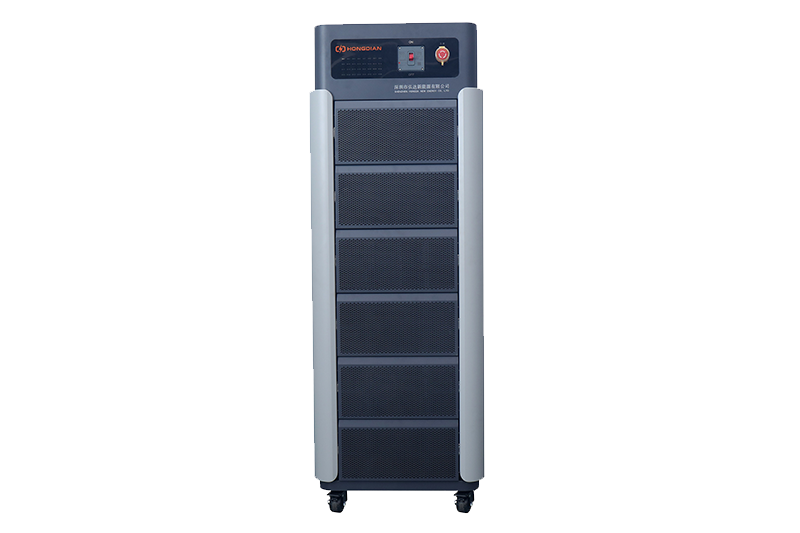 Precision Battery Test Racks for Cell Capacity & Internal Resistance Measurement
  Multi-Channel Battery Testing Equipment for Parallel Performance Analysis